
This post may contain affiliate links. Please see our disclosure policy.
Know the basics to organize your genealogy files successfully. Learn how to start with a organization system you build for your own genealogy research.
Every year January rolls around and I get the organizing bug. I love researching new organizing systems.
I might be an organization junkie. [Okay, I AM an organizing junkie.]
I am also an organization flunkie.
I see all of those pretty organized homes. organized calendars/planners and even organized genealogy files.
Pretty, color coded files and binders. Beautiful, nested folders in Dropbox. Perfectly organized photo display walls.
I jump into organizing an project but never last more that a couple of weeks. I have just never been able to stick with one system for very long….especially a genealogy one! Anyone else?
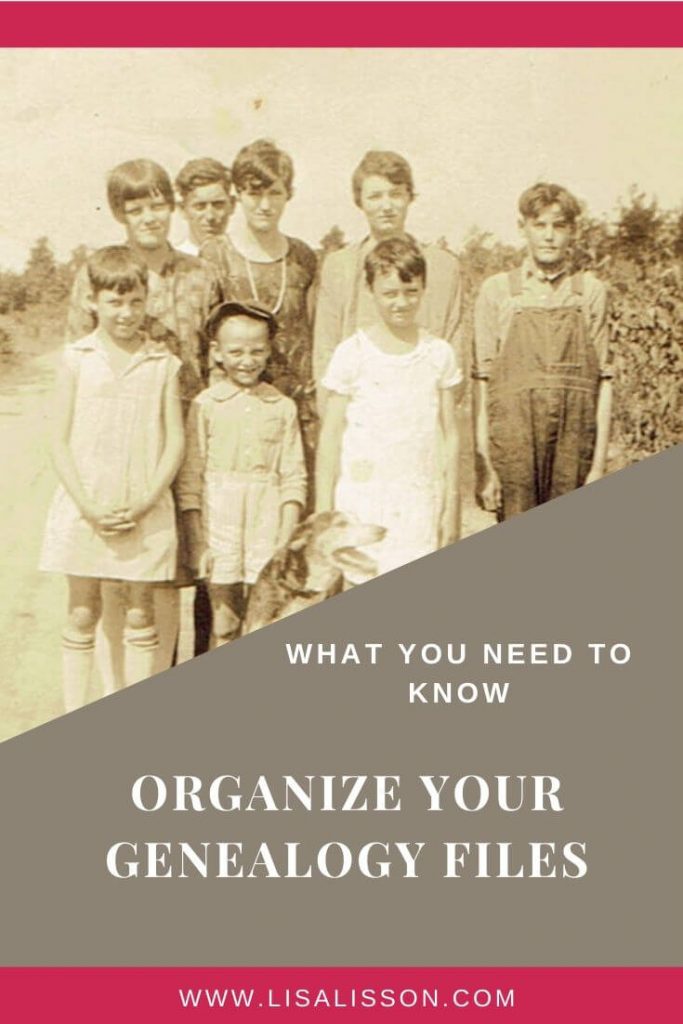
Are you thinking to yourself THIS will be the year you organize your genealogy files?
Let’s look at why we [I mean “I”] have failed in the past before we look at how to start this new year off right.
The Reason We (Again, I mean “I”) Have “Flunked” Genealogy Organization in the Past
The reason keeping my genealogy files organized eludes me is really quite simple:
I have been trying to go full force into someone else’s organization system.
Read that again. (I’ll wait.)
A successful genealogy organization system is one you build for yourself and use consistently. Take that to heart. Internalize it!
You may get ideas from others – even me – but there is no one correct or magical way to organize your genealogy files.
Once I understood that, I was able to begin building my own system and organize my genealogy files successfully.
I share below the components of my organization system.
Use what works for you. Change what does not work for you.
The Basics to Organize Your Genealogy Files
1. Habits and Time
A habit is a regular practice developed over time.
Your genealogy organization system will require establishing habits for filing and recording your research. Consistency – NOT Perfection – is key.
I cannot stress the importance of consistency! Regardless of the system you create and use, if you are not consistent, your genealogy file system will fail.
2. Your Filing System
File your digital and paper files using the same system. That will simplify your filing and save time when you search for a document. A nesting folder system is one such solution. Here is an example created for the Talbott family files.
Example
- Main Surname (Talbott)
- Births
- Joseph M. Talbott
- Boss Henry Talbott
- Charles M. Talbott
- Deaths
- Joseph M. Talbott
- Boss Henry Talbott
- Charles M. Talbott
- Marriages
- Boss Talbott/Esther Richardson
- M. Talbott/Rosa Bowen
- Census Records
- 1790
- 1800
- 1810
- [Add each census year you have records for.]
- Military Records
- Revolutionary War
- David G. Talbott
- War of 1812
- Civil War
- John B. Talbott
- Revolutionary War
- Births
Here is another nesting folder system. (This is the one I use.)
This system works well as nesting folders on your computer and as paper file folders for hard copies.
- MAIN SURNAME (Talbott)
- Individual Ancestor (Boss Henry Talbott)
- Birth, Marriage, Death Records (Family Bible, Marriage License, Death Certificate for BHT)
- Census Records (1900-1940)
- Military Records (Draft Card)
- Wills & Estate Records
- Records for wife during their marriage years* (Esther Lee Richardson Talbott)
- Records for children while living in father’s household. [Once a child leaves father’s household, the male child gets his own folder. A female will go into her husband’s folder from the point of marriage.] (Arthur Crafton Talbott)
- Individual Ancestor (Joseph Merritt Talbott)
- Birth, Marriage, Death Records (Family Bible, Death Certificate)
- Census Records (1860-1940)
- Military Records (None)
- Wills & Estate Records
- Records for wife during their marriage years (Rosa Bowen Talbott)
- Records for children while living in father’s household. (Boss Henry Talbott)
- Individual Ancestor (Boss Henry Talbott)
Determine ahead of time how you will label your folders and documents. Be consistent across all paper and digital files for quicker retrieval when needed. An example I use is:
[Document] + [First Name] + [Last Name] becomes “1880 Census Bossy Talbott”
Label your documents/folders in a way that makes sense to you.
Tip: Ask yourself how you would look for this file, then set up your labels in that manner.
3. Your Family Tree Software
Housing your family tree online is a popular option, but should not be the only place you record your family tree. An online family tree is a great way to share your research with family and other researchers.
Just remember, if you have a family tree on Ancestry.com or any of the other online sites, you do not own your tree. If something happens to the website, you could lose your information.
Use a genealogy software program to record your research and family tree on your own computer. A number of programs are available and all have their supporters. I have used Family Tree Maker, RootsMagic and Legacy, both of which I like very much.
4. Backing Up Your Genealogy Research
Back up, back up, back up! Backing up your research is crucial. Don’t risk losing your hard work.
Tip: Schedule monthly back up of your research on your calendar.
Cloud Back Ups
Backing up your genealogy files and photographs in the cloud is a good practice. Depending on the amount you need to back up, both free and paid options are available.
- Dropbox – I use Dropbox for years and love it!
- Google Drive – I use Google Drive every. single. day. It’s easy and syncs across all my devices. And…it’s free.
- Backblaze – Another nice low cost option.
- iDrive – iDrive is also a great option. You can back up multiple devices which is always a plus. Both free and paid subscriptions are available.
External Back Ups
Use an external back up for safe keeping your research, too.
- USB Flash Drive – Flash drives are convenient and portable. Your backups on a flash drive will slip easily into a safe deposit box or other storage easily.
- External Hard Drive – I use an external hard drive to back not just genealogy files but everything of importance on my computer.
This January – or whatever month you are in – start your genealogy organization system with these four components:
- Habits and time
- Filing and labeling system (that fits you!)
- Your genealogy software
- Your back up plan
Start slow…..Learn what works for you……Be CONSISTENT…..Be successful!
Related Posts:
- What Genealogists Ought To Know About Photo Organization
- How To Back Up Your Genealogy Research
- How To Research Genealogy In 20 Minutes a Day
***Please note that this post contains affiliate links which means I may earn a commission if you decide to purchase a product/service. This does not cost you extra. Be assured I only recommend products/services that I use and think you would like too. Read my disclosure policy and privacy policy.





Great start up info. Thank you for your help.
You’re welcome, Dailene!
Hi Lisa.
Thank you for the post…very useful! 🙂
I use Family Historian on my laptop as my primary database… but have a full tree exported onto Ancestry as well.
My core data is backed up to the Cloud (OneDrive) each week and also a local copy taken onto a hard drive… all my research notes are written up in OneNote which is also backed up to the Cloud.
Cheers – Graham.
Sounds like an excellent system, Graham! Thank you for sharing.
Great resources! Organizing is on every genealogist’s mind. I tried every method I could find over the past 15 years but I outgrew each of them. I finally created a source based method to organize my research and now it’s a breeze to find documents and to quickly file away the new ones that arrive.
What is a “Source based method”? I am just starting out and have stopped research in order to organize what I have so far & perhaps recheck/verify my data. Please clarify for a newbie!
Mary Janes, will you share your source based method? Looks like inquiring minds want to know. 🙂
I found this information on a “Source Based” method that may perhaps be what a previous poster was referring to: http://thesunburnedpenguin.com/genealogy-organization-tutorial/
Thanks for this, Bett!
Hi! I’m curious as to how you’d handle very common last names? I have Whites, both on my biological dad’s, adopted dad’s and on my mom’s sides…and no, they aren’t related! Lol.
Oh my, and I thought I had a lot of ancestors with the surname White! Depending on your family tree software, you may be able to color code different family lines which helps make each line easier to focus on. For any paper files you keep, color code the labels for each line, so you know which family line a file goes with.